The Complete Guide to Screen Sharing Privacy
Learn essential tips to protect your sensitive data while sharing your screen during video calls.
2026-06-17
Updated 2026-07-13
The Complete Guide to Screen Sharing Privacy
Screen sharing has become essential in remote work, but it comes with privacy risks. In this guide, we'll explore best practices to keep your sensitive information safe.
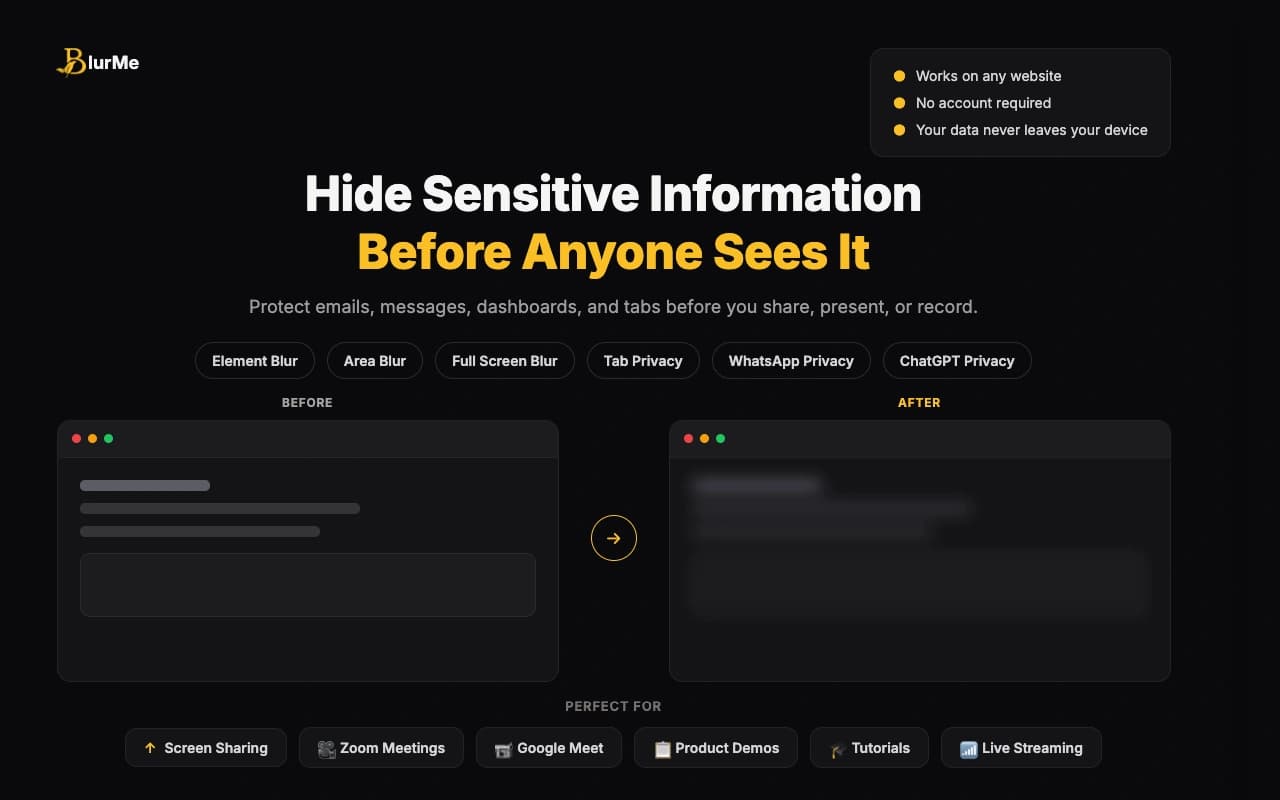
Common Screen Sharing Risks
When you share your screen, you're exposing not just the presentation but potentially:
- Browser tabs with sensitive information
- Desktop notifications from personal emails
- File explorer windows with project files
- Chat messages and slack conversations
- Email previews and calendar entries
Best Practices for Secure Screen Sharing
1. Prepare Your Screen
Before you start sharing, take these steps:
- Close unnecessary tabs and applications
- Silence notifications
- Set your status to "Do Not Disturb"
- Hide personal files from your desktop
2. Use Selective Sharing
Most platforms allow you to share specific windows instead of your entire screen. This limits what's visible to others.
3. Have a Backup Plan
Keep important windows open in separate virtual desktops so you can quickly switch if needed.
4. Use Privacy Tools
Consider using screen privacy tools like BlurMe to blur sensitive areas on demand without interrupting your presentation.
Advanced Privacy Techniques
Color-Coded Windows
Some teams use color-coded window borders to quickly identify which windows contain sensitive data.
Keyboard Shortcuts
Learn keyboard shortcuts to quickly switch windows or disable/enable screen sharing in emergencies.
Staging Environment
For demos, always use staging or demo environments, never production.
A Practical Screen-Sharing Privacy Workflow
The safest workflow is layered, not complicated. Start by deciding what the viewer actually needs to see. If the call is a client demo, that usually means one browser window, one demo account, and one clean path through the product. Anything outside that path should either be closed, hidden, or blurred before the call begins.
Then do a ten-second pass from the outside in:
- Browser tabs first, because tab titles reveal context even when the page is not active
- Sidebars next, especially ChatGPT history, WhatsApp Web, Slack, email, and CRM panels
- Main content last, including dashboards, tables, customer names, revenue, API keys, and account IDs
This sequence matters because most people check the main page and forget the surrounding interface. The leak is often not the chart you are presenting. It is the tab title above it, the chat preview beside it, or the notification that arrives after you start talking.
What To Blur Instead Of Closing
Closing everything is clean, but it is not always realistic. During a real demo you may need a support chat, AI prompt history, WhatsApp conversation, or analytics dashboard open. Those are good candidates for real-time blurring because you still need access, but viewers do not need the raw details.
Use selective sharing when you can, then treat BlurMe as a second layer for whatever remains visible. For example, a product founder might share a browser window, keep the demo dashboard open, blur customer names in a table, turn on tab privacy, and keep ChatGPT sidebar history hidden while referencing prompts. That is a better workflow than hoping every sensitive tab was closed before the meeting.
Common Mistakes To Avoid
- Sharing the full screen when one window would work
- Leaving personal or client tabs open above the demo
- Keeping WhatsApp Web or ChatGPT open in a background tab without masking it
- Using real customer data when demo data would be enough
- Starting a recording before doing the final scan
FAQ
What is the fastest way to prepare for a screen share?
Use the screen sharing privacy checklist before client demos. It gives you a repeatable order: tabs, notifications, AI sidebars, dashboards, WhatsApp previews, password managers, then one final scan.
Should I use window sharing or real-time blurring?
Use both when possible. Window sharing limits the surface area, while real-time blurring protects sensitive UI that still needs to stay open.
What is the most commonly missed screen-sharing risk?
Passive interface data: tab titles, sidebars, notifications, and chat previews. These are easy to overlook because they feel like browser or app chrome, not the content being presented.
Related BlurMe Guides
Use this article as the broad overview, then go deeper with the tactical guides: how to blur sensitive information while screen sharing, hide browser tabs during meetings, hide ChatGPT sidebar history during screen recording, blur WhatsApp Web chats before screen sharing, and the screen sharing privacy checklist before client demos.
Conclusion
Privacy during screen sharing isn't about being paranoid—it's about being professional. By following these practices and using the right tools, you can share confidently and securely.
Sources
- CISA, Guidance for Securing Video Conferencing, https://www.cisa.gov/sites/default/files/publications/CISA_Guidance_for_Securing_Video_Conferencing_S508C.pdf
- Google Chrome Help, Install and manage extensions, https://support.google.com/chrome/answer/2664769?hl=en