See what BlurMeprotects in real life
A few common moments where private information appears faster than you can close a tab.
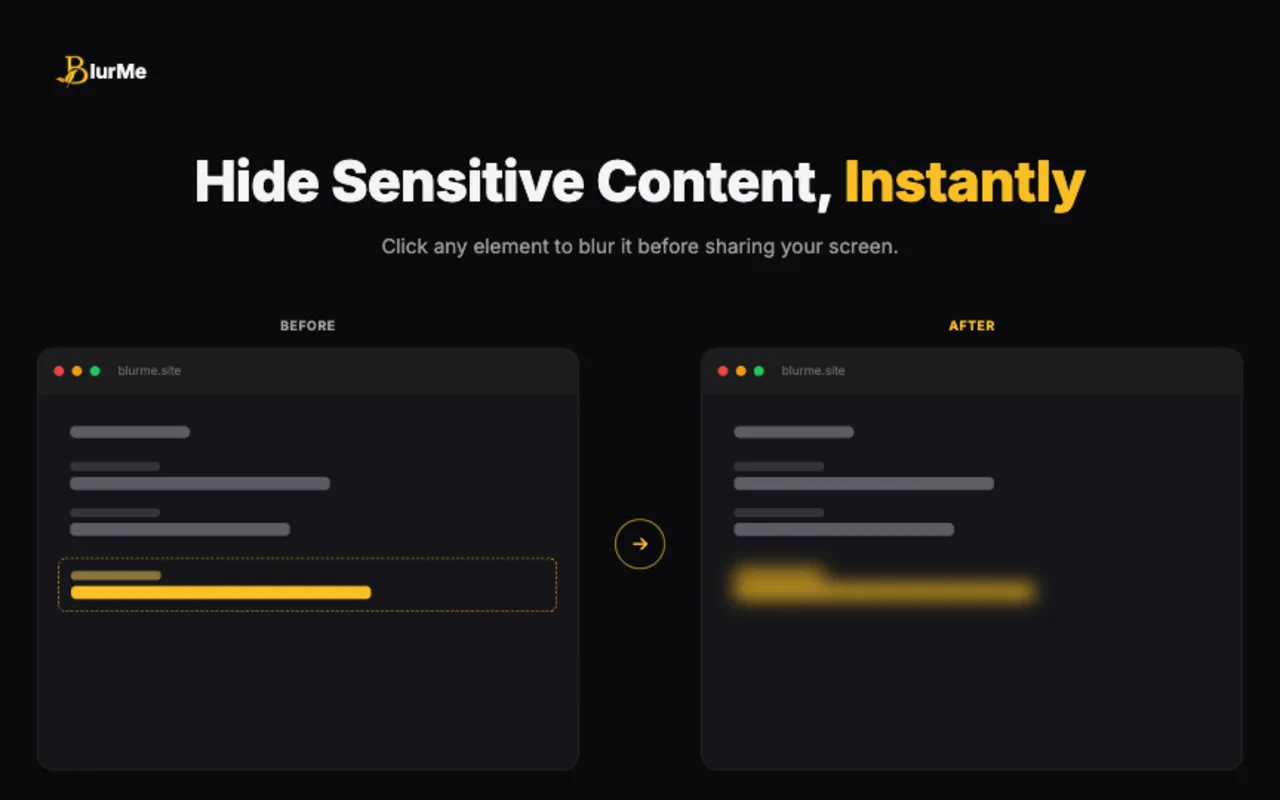
Element Blur for one exposed detail
Click a single heading, name, message, number, or page element and hide it without blurring the whole screen.
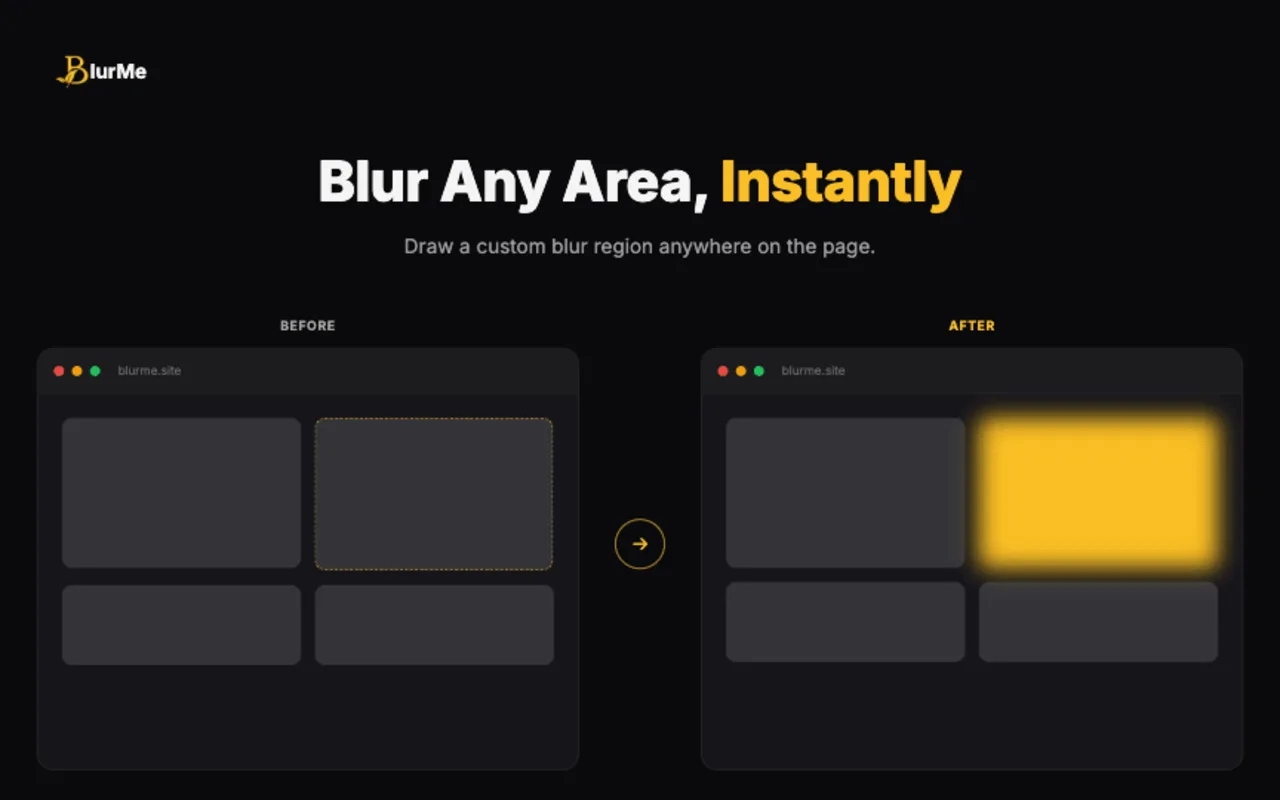
Area Blur for dashboards and page sections
Draw a custom region over analytics, reports, document sections, or any part of a page that should stay private.
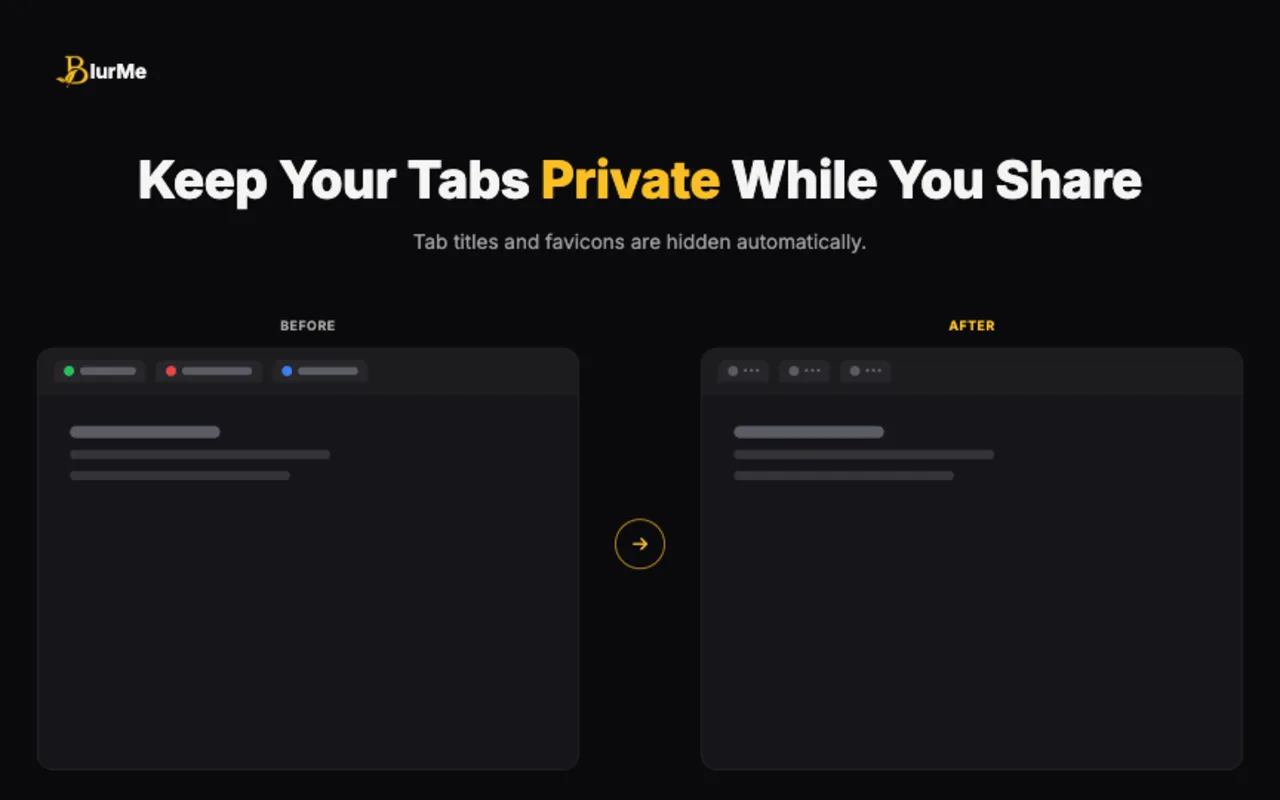
Tab Privacy for messy browser sessions
Mask tab titles and favicons so inbox counts, project names, document names, and workspace tabs do not become part of the meeting.
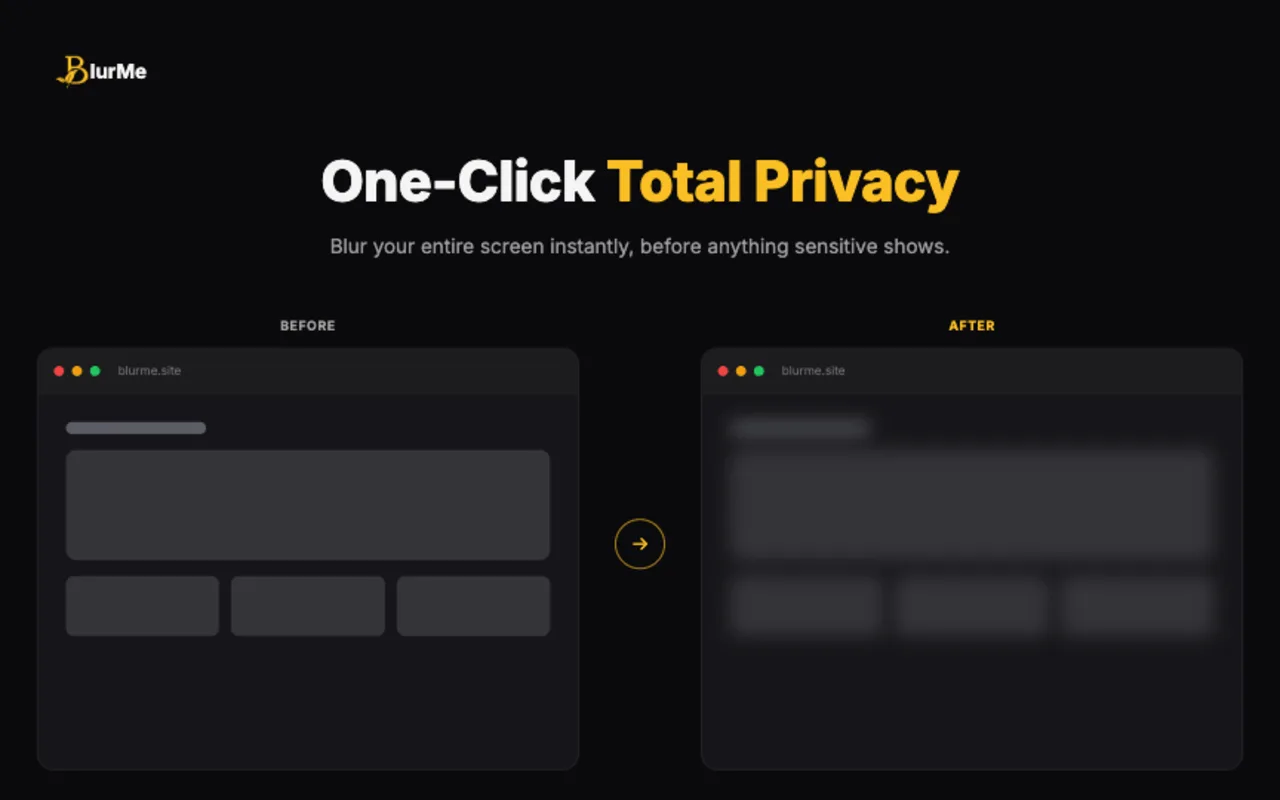
Full Screen Blur for sudden privacy moments
When something unexpected appears, blur the full visible page with one click and keep the call moving.
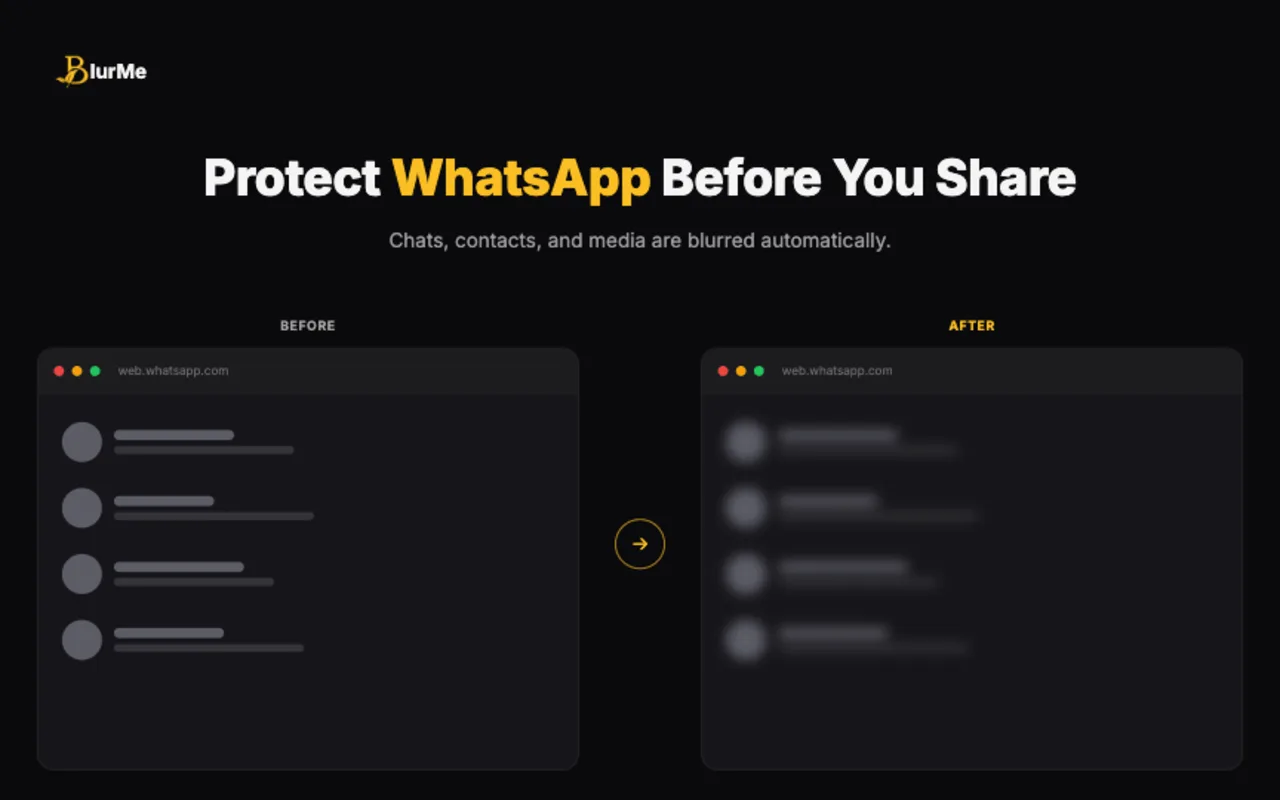
WhatsApp Privacy for chats and media
Protect messages, contact names, groups, media previews, profile photos, pinned content, and message input on WhatsApp Web.
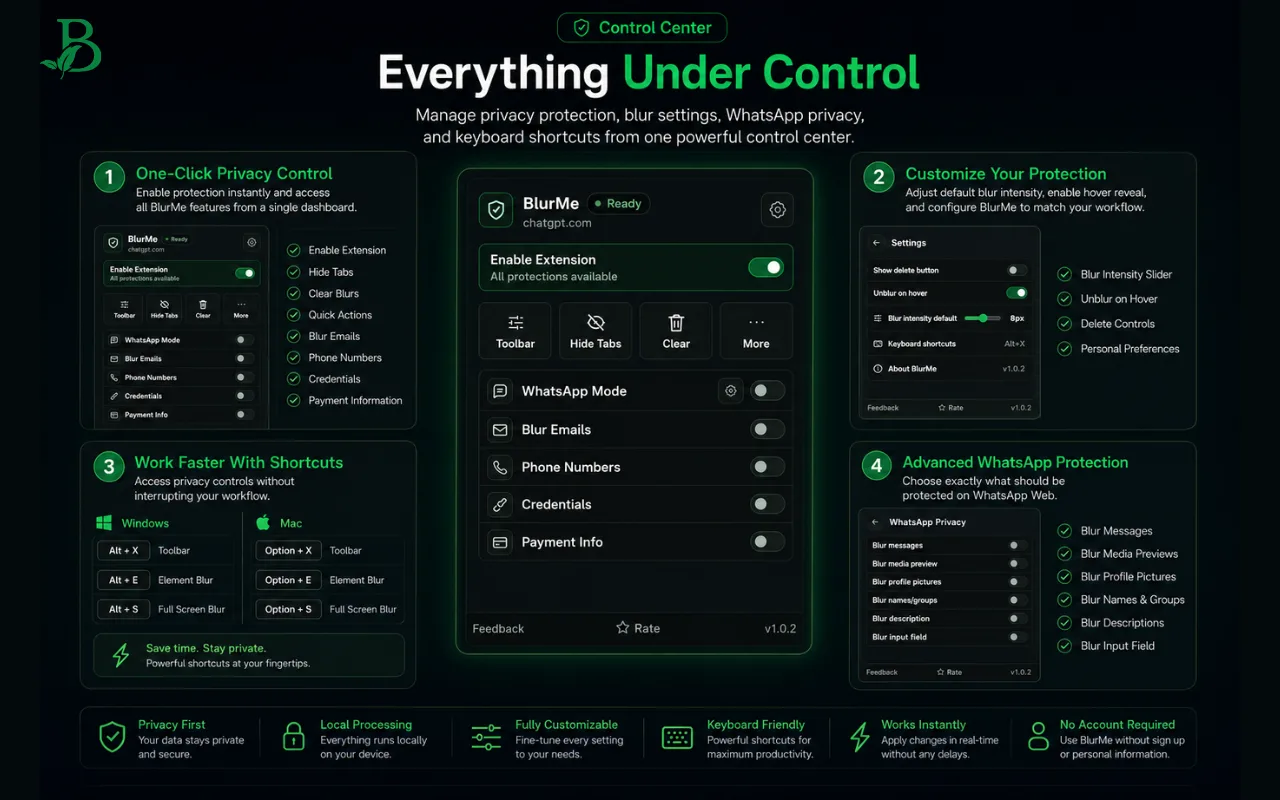
Control Center for every protection mode
Open the popup to enable modules for emails, phone numbers, credentials, payment info, WhatsApp, tab privacy, and settings.
Safer Screen Sharing Workflow
Prepare before joining
Open the pages you plan to present, blur sensitive areas, and confirm that saved regions restore after refresh.
Use demo-safe data
BlurMe helps reduce accidental exposure, but staging accounts and realistic sample data are still the safest demo setup.
Hide browser context
Use tab title and favicon hiding when the tab itself reveals a customer name, internal tool, ticket number, or private workspace.
Works With All Platforms
Zoom
✓ Compatible
Google Meet
✓ Compatible
Microsoft Teams
✓ Compatible
Slack Huddles
✓ Compatible
Webex
✓ Compatible
Discord
✓ Compatible
Loom
✓ Compatible
OBS
✓ Compatible
Ready to ShareWithout Worrying?
Add BlurMe to Chrome and keep sensitive content covered during demos, calls, and recordings.
Local
Processing
No
Account Required
Any
Website