Privacy controls forreal screen sharing
Blur what you choose, protect what appears often, and keep working without stopping the meeting to clean up your screen.
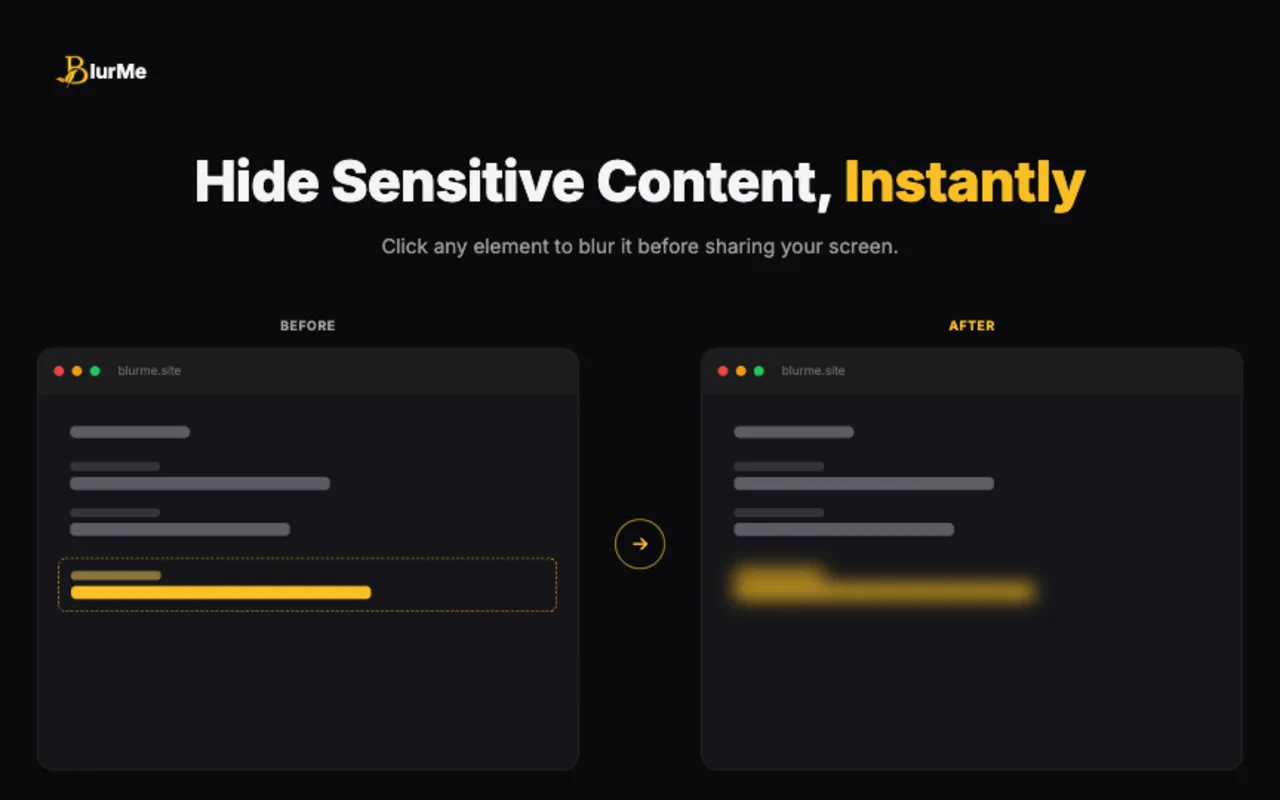
Element Blur
Click any name, email, card, or row and it blurs instantly — no setup required.
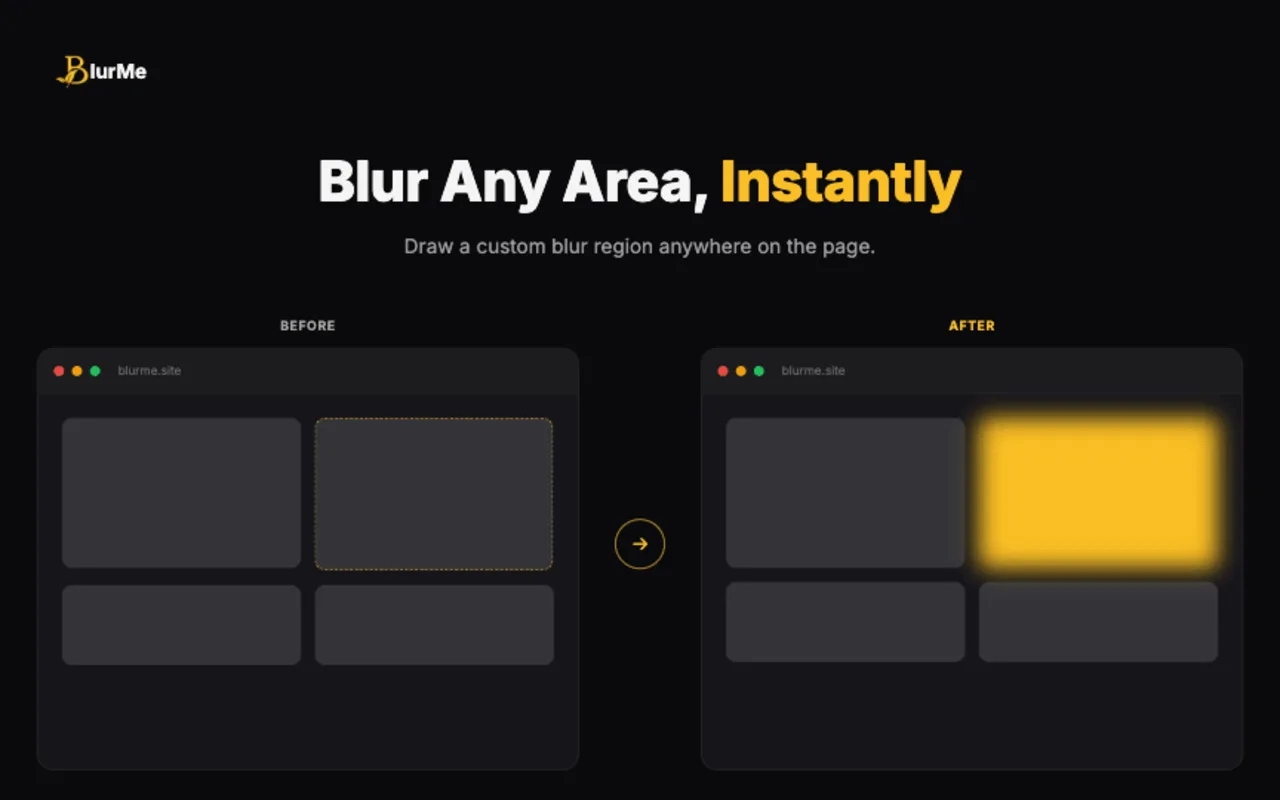
Area Blur
Draw a box over any dashboard, table, or document to hide it in one drag.
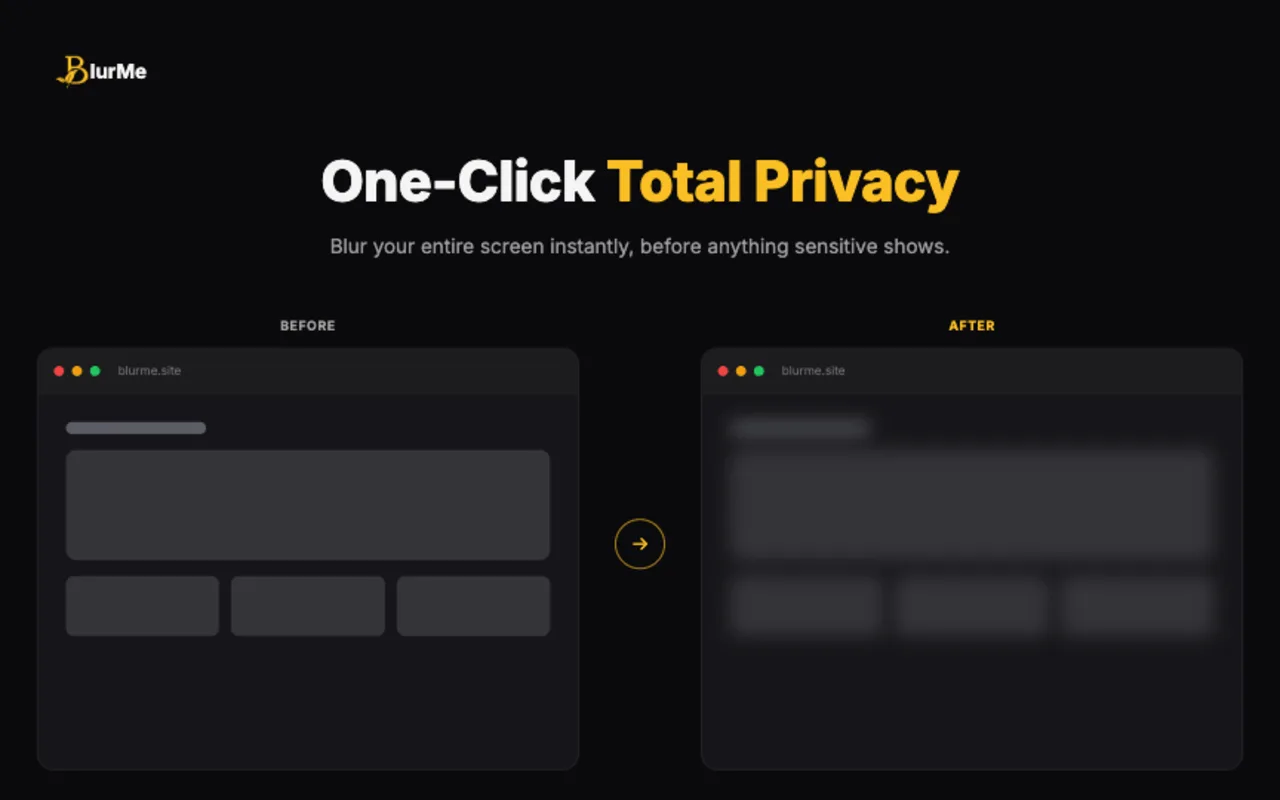
Full Screen Blur
Blur the entire visible page in one click when something private appears without warning.
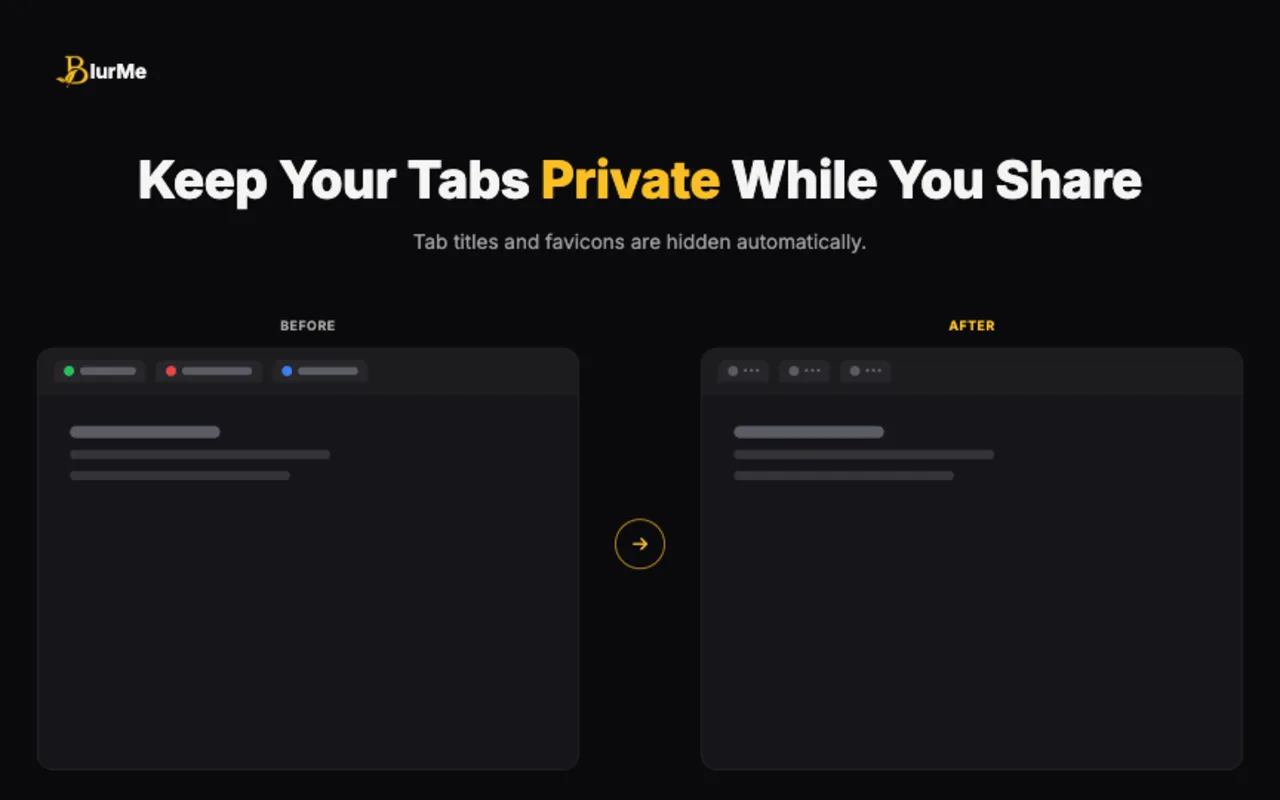
Tab Privacy
Mask tab titles and favicons so project names and inbox counts stay off-screen.
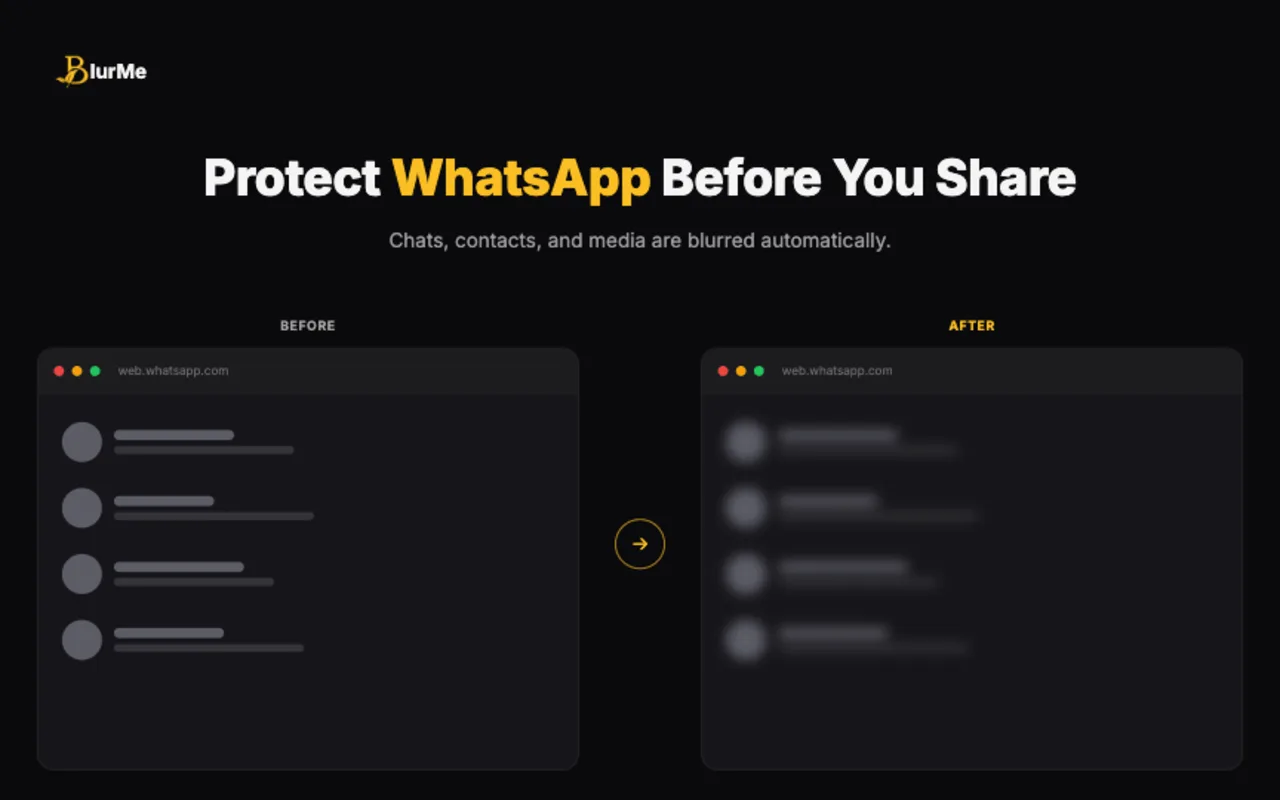
WhatsApp Privacy Mode
Blurs WhatsApp Web messages, names, and media automatically, with hover-to-reveal.
ChatGPT Mode
Automatically blurs your ChatGPT sidebar chat history, revealing each chat only on hover.
Powerful Features, Simple to Use
Use quick blur controls for what you choose, and smart modules for the details you never want to leak.
Area Blur
Draw a custom blur box over dashboards, tables, documents, or any part of a page.
Element Blur
Click one page element to hide a name, email, card, message, table row, or image instantly.
Full Screen Blur
Blur the visible page with one click when something private appears during a live call.
Tab Privacy
Mask tab titles and replace favicons so project names, docs, and inbox counts stay private.
WhatsApp Privacy Mode
Protect WhatsApp messages, names, groups, profile photos, media previews, and input fields.
Smart Privacy Modules
Switch on protection for emails, phone numbers, credentials, payment info, and addresses.
Persistent Protection
Saved blurs restore after refresh, so private content does not flash back into view.
Control Center
Manage the toolbar, tab hiding, blur clearing, WhatsApp mode, shortcuts, and defaults in one place.
Ready to ShareWithout Worrying?
Add BlurMe to Chrome and keep sensitive content covered during demos, calls, and recordings.
Local
Processing
No
Account Required
Any
Website