GDPR Compliance in the Age of Screen Sharing
How to stay compliant with GDPR when sharing screens and sensitive data.
2026-06-12
Updated 2026-07-13
GDPR Compliance in the Age of Screen Sharing
GDPR compliance goes beyond data storage—it includes how you handle data during real-time activities like screen sharing.
GDPR Basics
GDPR requires:
- Explicit consent before processing personal data
- Transparency about data handling
- User rights to access and delete
- Data protection by design
- Accountability and documentation
Screen Sharing and Personal Data
Screen sharing often involves personal data:
- Customer email addresses
- Phone numbers
- Addresses
- Payment information
- Usage analytics
Compliance Strategies
1. Data Minimization
- Only share necessary data
- Use anonymized examples
- Prepare demo data in advance
- Avoid real customer data
2. Technical Measures
- Use access controls
- Encrypt sensitive areas
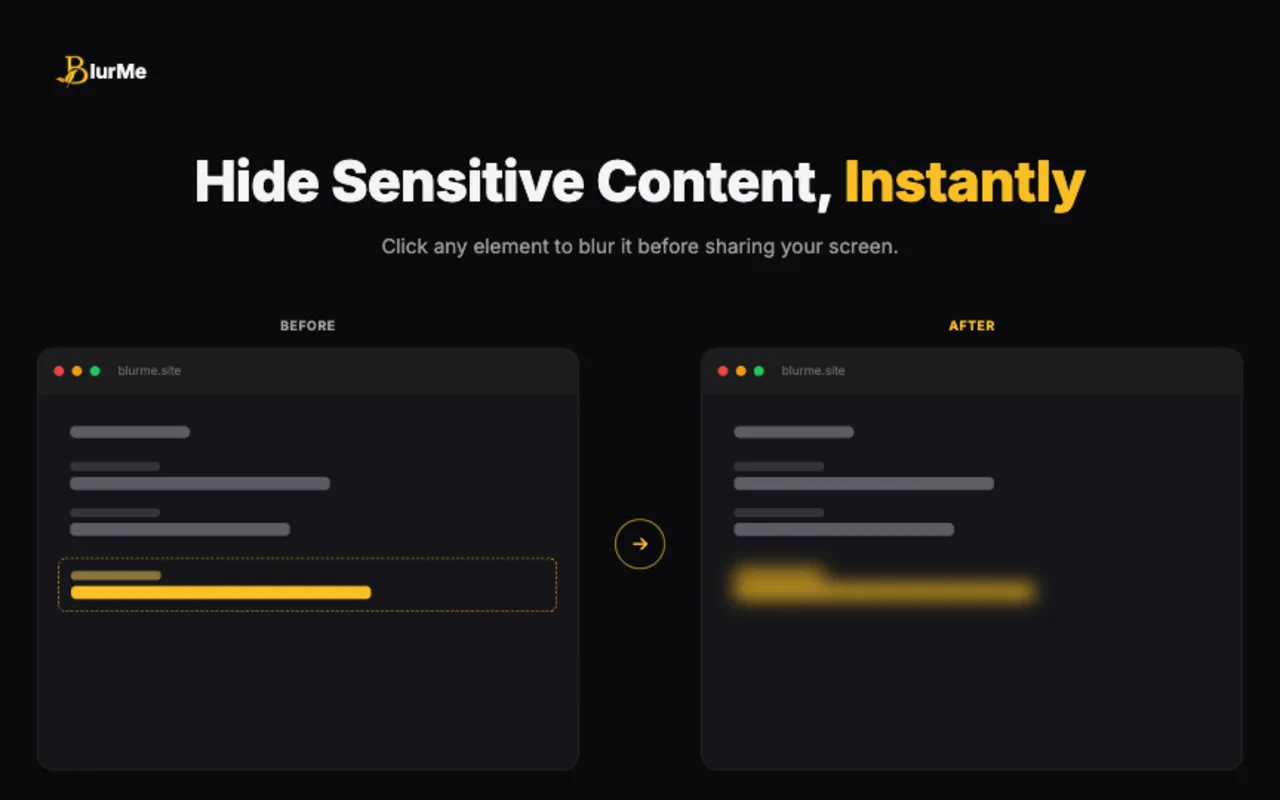
- Blur personally identifiable information
- Log and audit sharing activities
3. Privacy by Design
- Train staff on GDPR
- Document data handling procedures
- Create privacy-first defaults
- Make privacy tools accessible
Where Screen Sharing Creates GDPR Risk
Screen sharing can expose personal data without anyone exporting a file or querying a database. A name in a CRM table, an email address in a support ticket, a phone number in WhatsApp Web, or a user ID in an analytics dashboard can all become visible during a call. If the call is recorded, the exposure can persist long after the meeting ends.
The compliance lesson is simple: treat live screen content as a data-processing surface. If personal data appears on screen, it may be viewed, recorded, stored, or shared beyond the original purpose. That is why data minimization applies to demos and recordings, not just databases and forms.
A GDPR-Friendly Demo Workflow
For customer-facing demos, use this workflow:
- Use demo data where possible
- Share a single window instead of the full screen
- Hide browser tab titles that contain client or project names
- Blur personal data in dashboards, tables, and chat panels
- Avoid recording unless the recording has a clear purpose and retention policy
- Document what was shared when the call includes sensitive workflows
This does not turn a browser extension into a compliance program. It does make privacy-by-design easier to practice during the moments where accidental exposure often happens.
What To Include In Internal Guidance
Your internal screen-sharing guidance should explain:
- When to use demo data instead of production data
- Which meetings may be recorded
- How long recordings are retained
- Who can access recordings
- Which screen areas should be blurred or hidden by default
- What to do if personal data is accidentally shown
The screen sharing privacy checklist before client demos can act as the operational version of that policy.
Tools for Compliance
Privacy-focused tools like BlurMe help with:
- Preventing accidental data exposure
- Maintaining audit trails
- Giving users control
- Documentation for compliance
Documentation
Keep records of:
- Who had access to what data
- When and why data was shared
- What privacy measures were used
- Consent and approvals
Continuous Improvement
GDPR compliance isn't one-time:
- Regular audits
- Staff training updates
- Tool evaluation
- Process improvements
FAQ
Does blurring sensitive information guarantee GDPR compliance?
No. Blurring is a technical and organizational measure, not a full compliance program. It helps reduce exposure, but consent, lawful basis, retention, access control, and documentation still matter.
Is screen sharing considered processing personal data?
If personal data is displayed, viewed, recorded, or shared during the session, it can become part of how that data is handled. Teams should treat screen sharing as a privacy-relevant workflow.
What is the safest approach for demos involving personal data?
Use anonymized or demo data first. If real data must be shown, minimize the visible fields, blur what is not needed, limit recording, and document the reason.
Related BlurMe Guides
For practical data-minimization workflows, read how to blur sensitive information while screen sharing, the screen sharing privacy checklist before client demos, hide browser tabs during meetings, hide ChatGPT sidebar history during screen recording, and blur WhatsApp Web chats before screen sharing. These guides turn the compliance principle into repeatable screen-sharing habits.
Sources
- CISA, Guidance for Securing Video Conferencing, https://www.cisa.gov/sites/default/files/publications/CISA_Guidance_for_Securing_Video_Conferencing_S508C.pdf
- Google Chrome Help, Change site settings permissions, https://support.google.com/chrome/answer/114662?co=GENIE.Platform%3DDesktop&hl=en